What additional panels are and why they are important
The additional panels are complementary visual element which completes the main signal. They do not replace the basic indicator, but provides additional details to avoid confusion or misinterpretation.
Their role:
- clarify the main indications
- provide additional information on conditions or restrictions
- contribute to the safety of participants in traffic or guidance in a space
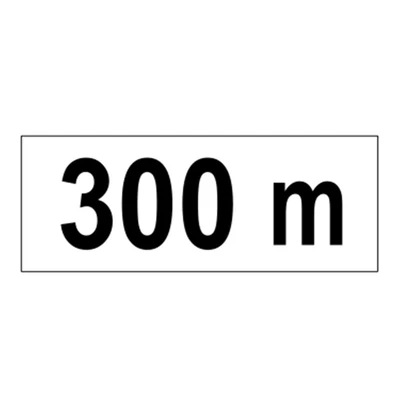
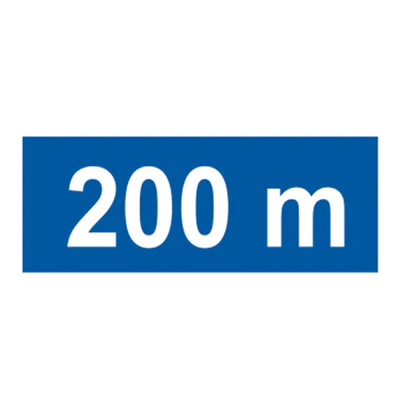
For example, an indicator of speed limitation may be supplemented by an additional panel specifying ‘500 m away' or ‘on working days'.
Where additional panels are used
In road traffic
- the completion of priority, prohibition or obligation indicators
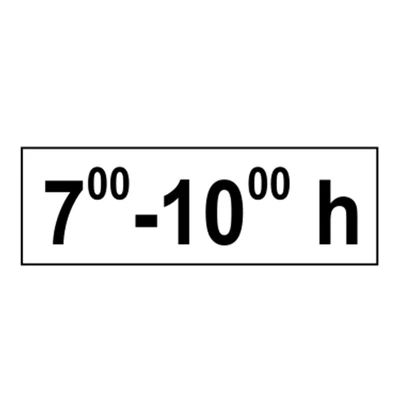
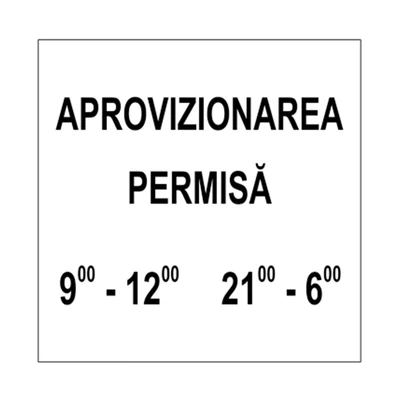
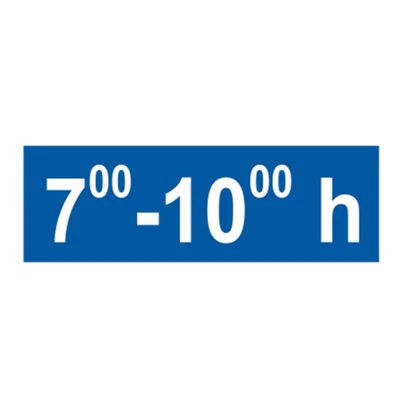
- specify the time intervals for restrictions
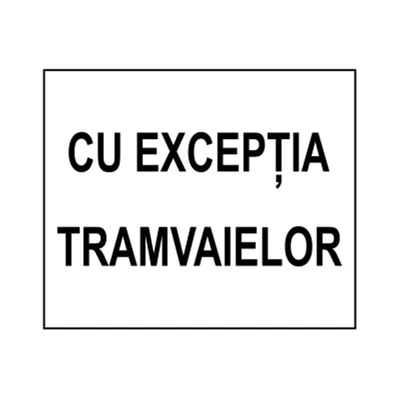
- information on exceptions (public transport, bicycles)
In industrial and logistic spaces
- warning of hazardous areas
- completion of safety instructions
- additional details of procedures or equipment
In buildings and public spaces
- clarification of internal rules
- guidance to visitors or employees
- additional information on facilities and restrictions
How additional panels work
Additional panels are normally installed below or next to the main indicator and transmit accurate, visible and rapid information.
Filled element
- clear and concise text
- symbols or universal pictograms
- good visual contrast between background and message
- position at the highest and best reading distance
The additional panel must be understood immediately without asking any further questions.
Additional panel types
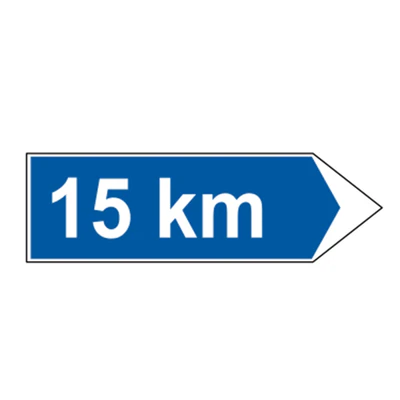
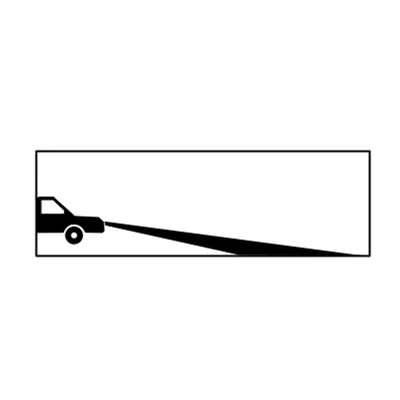
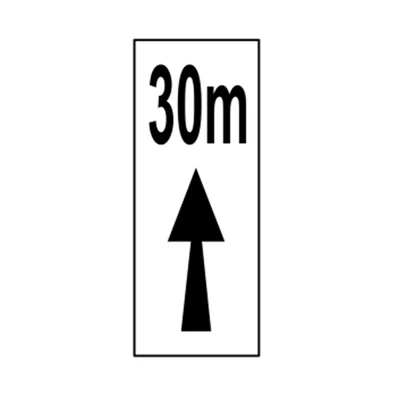
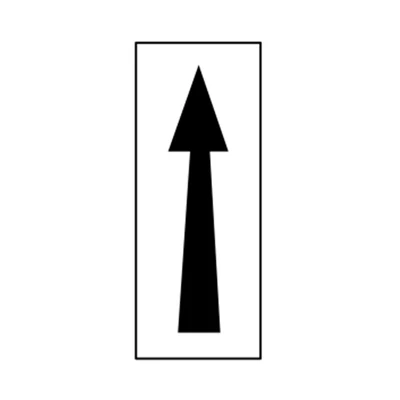
Remote panels
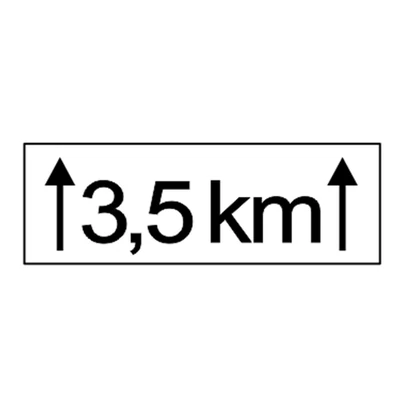
Indicates the length of the area where the main indicator rule applies.
Example: "500 m", "to the exit".
Panels of conditions
Specify the special conditions:
- hourly intervals
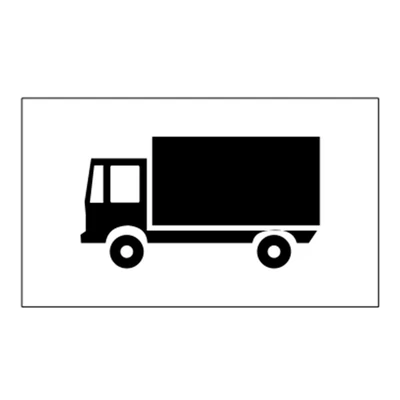
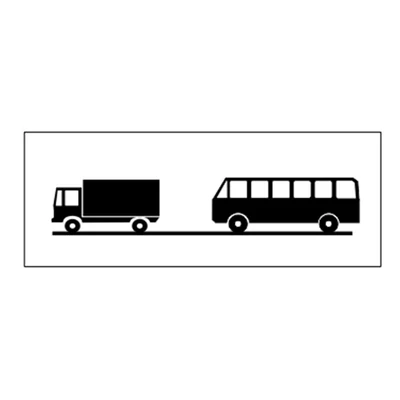
- type of vehicle concerned
- weather conditions
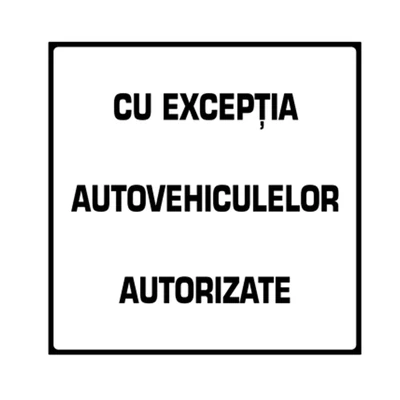
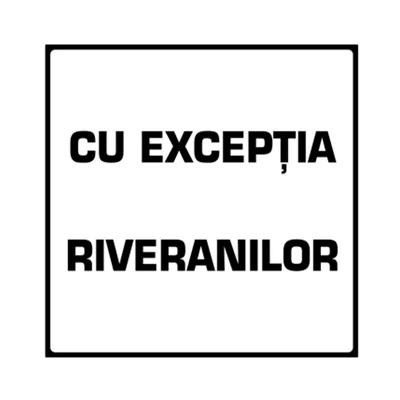
Panels of exceptions
- permit only for public transport
- access only by riverside
- exemption of bicycles or pedestrians
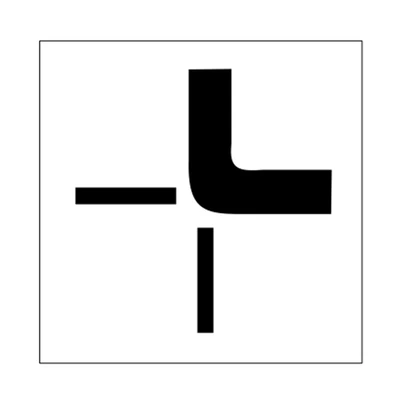
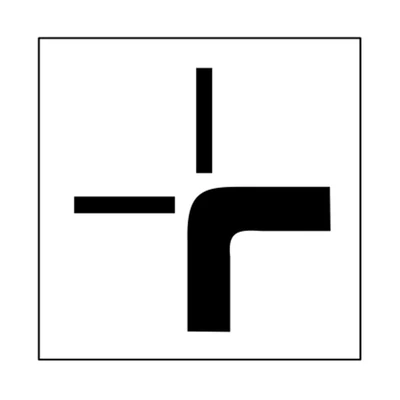
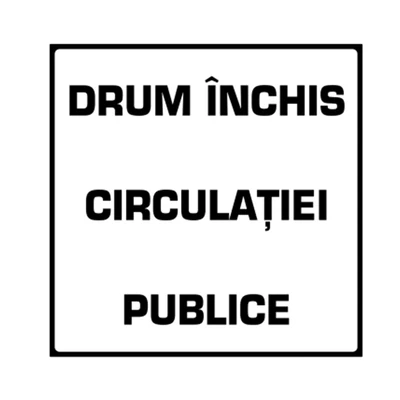
General completion panels
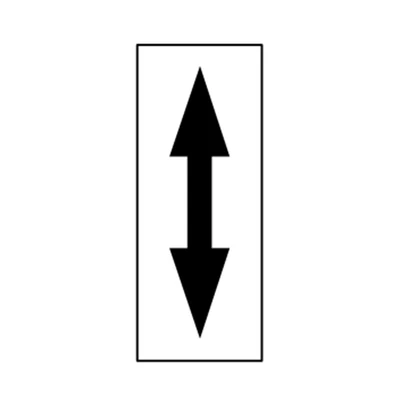
- details about unique meaning, intersections, passages
- Instructions for drivers and pedestrians
- warnings of temporary hazards or restrictions
Relevant differences between options
Material
- aluminium – durable and weather resistant
- PVC or acrylic – for temporary or indoor signalling
- reflectors – for visibility at night
Interior vs. exterior
- outside – rain resistant, wind, UV
- interior – adapted to space and visibility
Standard vs Custom
- standard – complies with road regulations and official symbols
- custom – can be used in private spaces or special events
Real benefits for the user
- clarity in the interpretation of the main indicators
- reduction of errors and risk of accidents
- additional information without creating confusion
- safe and organised experience in traffic or industrial spaces
How to choose additional panels correctly
Practical guide
- Identify the main indicator and the additional information required
- Decide the right type of panel for the context
- Choose material according to durability and visibility
- Place the panel at a distance and the optimum height for reading
- Test message readability and clarity
Common errors
- text too small or hard to read
- incorrect placement with the main indicator
- use of unusual or confused symbols
- crowding with too many panels
Professional recommendations
- use standard symbols and concise text
- ensure visibility at day and night
- periodically check the condition of the panels
- update information whenever changes occur
An effective additional panel complete main signal without visual overload of space.
Maintenance and good practice
- inspect periodically for deterioration or discoloration
- clean surfaces for optimal readability
- replace worn or unupdated panels
- verify compliance with local regulations and safety standards
Frequently asked questions
"Can I add additional custom panels?
Yes, but they must be clear and not contradict the main indicator.
"How visible must they be?
The panels shall be legible from the distance necessary for the correct decision of the driver or user.
"Can temporary panels be used?
Yes, for works, events or temporary changes of circulation, with resistant and visible materials.
Conclusion
The additional panels are key instruments for clarifying and completing alerting.
They ensure a safe and organised experience, reduce confusion and facilitate compliance with rules in traffic, industrial spaces or public areas.
A properly implemented signalling system with adapted additional panels, increases the safety, efficiency and comfort of all users.